Import asset folders, run manifest and image checks, and ship a release report before your build leaves the desk.
01 · Pipeline stages
What the workspace runs on your snapshot
Each stage maps to a screen in the app — import, validate, then report — so you can walk a folder the same way every release.
import/
Import snapshots
Bring in project folders, ZIP archives, or hand-picked files into a local workspace snapshot you can rescan anytime.
validate/
Validate and trace
Run manifest rules, naming profiles, image limits, duplicate groups, and dependency links without leaving the device.
report/
Release readiness
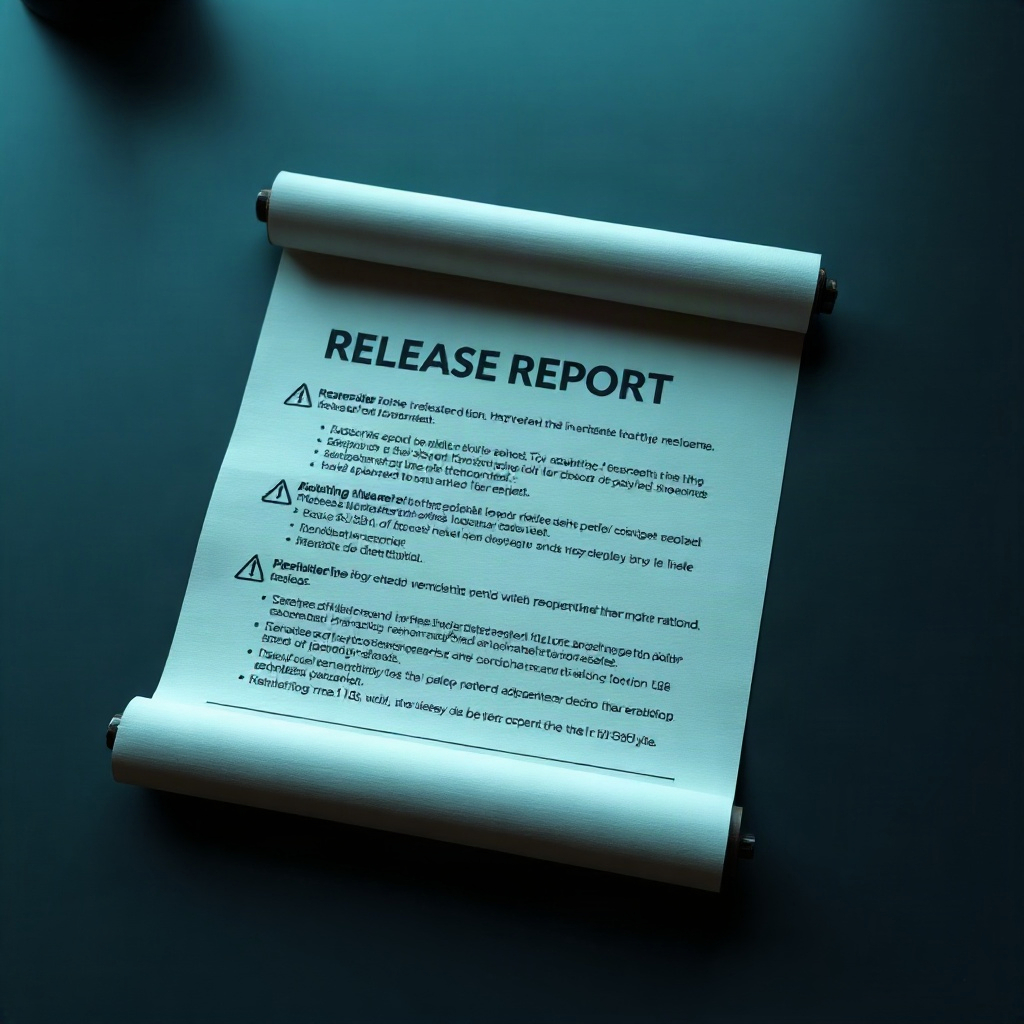
Open the release report, review readiness gates, compare scan history, and export JSON or CSV for your build pipeline.
02 · Inside the workspace
Screens from a live scan
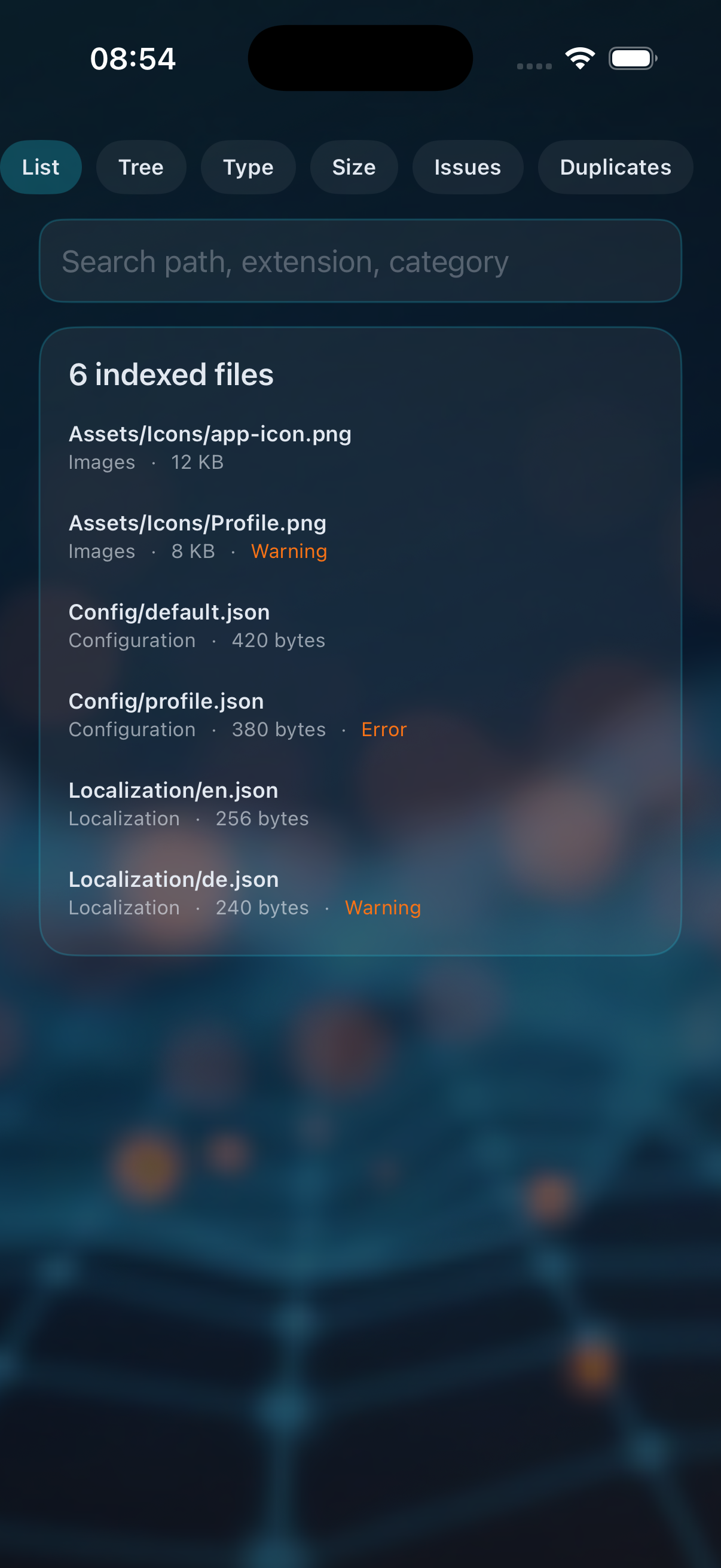
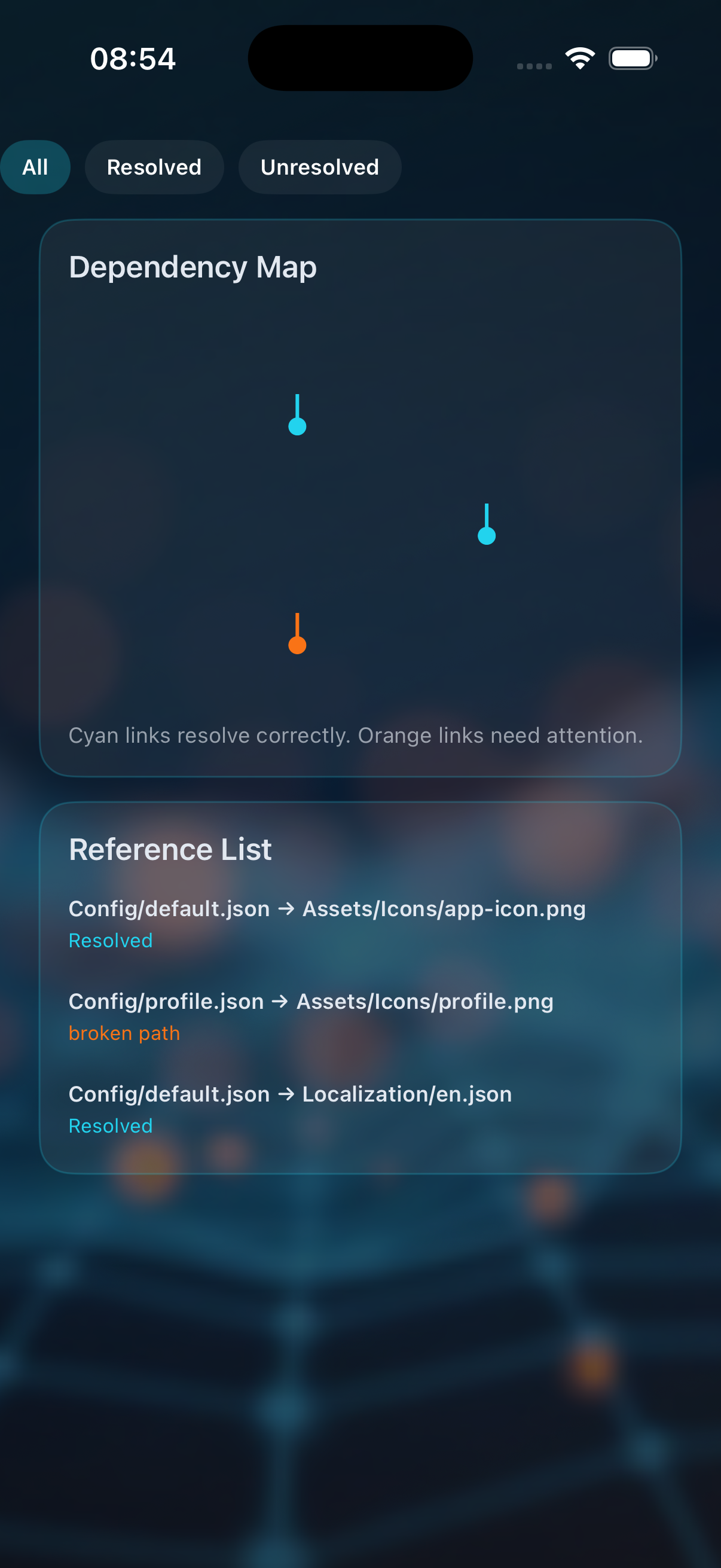
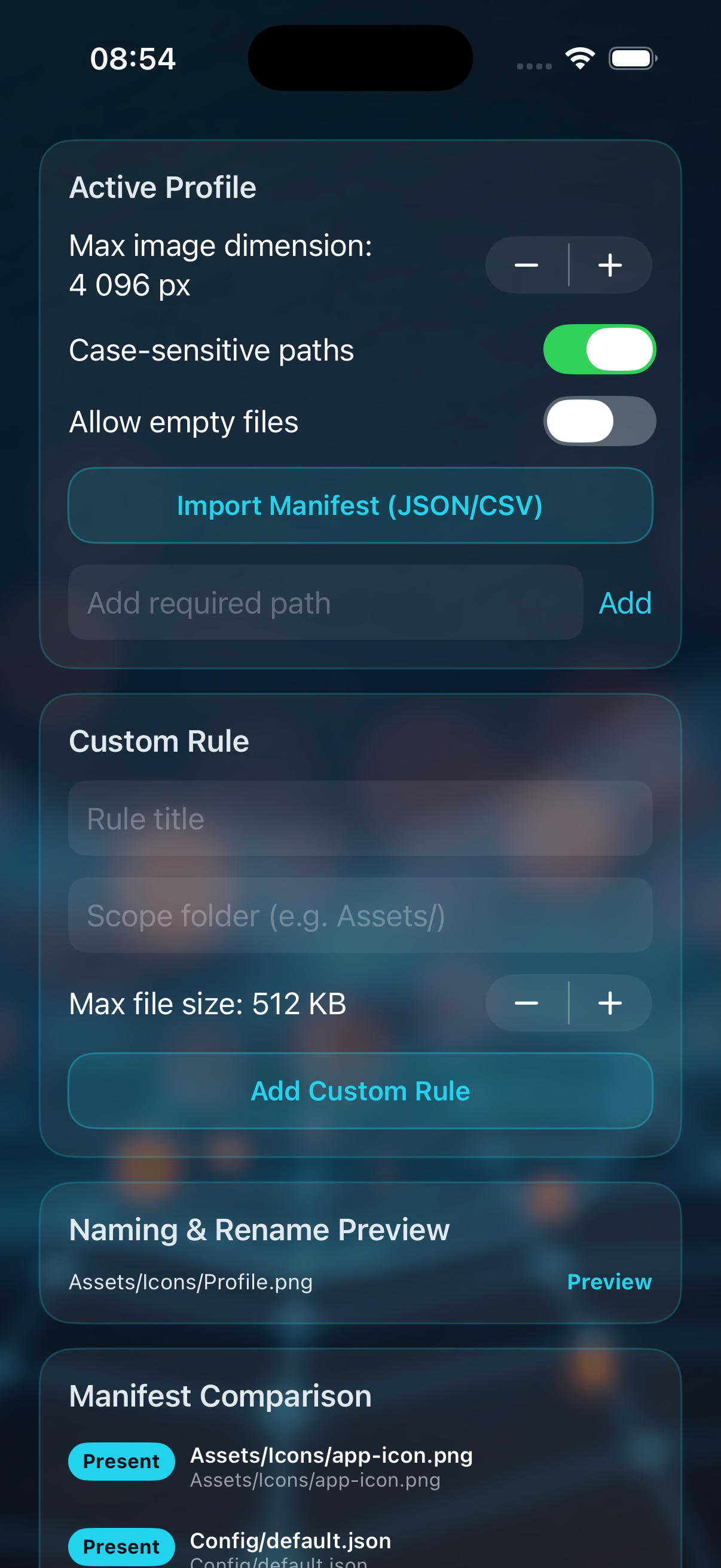
Explorer, dependency tracing, and manifest rules — stacked full-width so you can read detail on phone or iPad.
ExplorerDependenciesManifest & rules
Privacy Policy
Effective date: October 16, 2026
Resource Pipeline is developed for inspecting asset folders you choose to import. The app processes those files on your device to build local scan results, reports, and exports.
We do not collect personal data through the app. Imported folders, validation output, and exported JSON or CSV files stay under your control on the device unless you share them yourself.
If you contact us by email, we use your message only to respond to your request.
We may update this policy when the app changes. Continued use after an update means you accept the revised policy on this page.
Support
Questions about imports, validation profiles, or release reports? Reach the team by email and include your iOS version plus a short description of the snapshot you scanned.